What is a password manager?
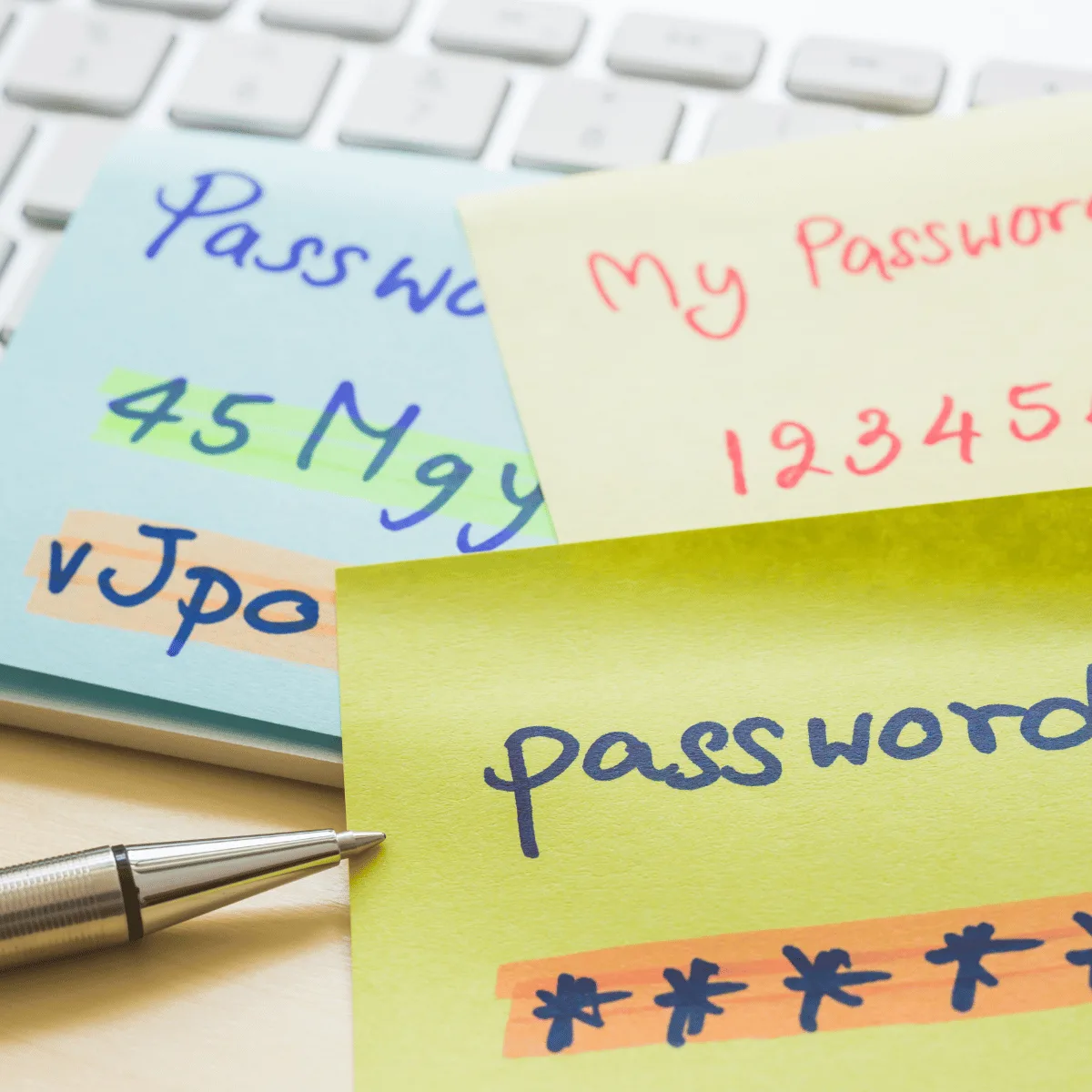
A password manager is a tool that helps you store and manage your passwords for various websites in a secure manner. It usually stores your passwords in an encrypted format and can generate complex passwords for you. It can also provide features such as multifactor authentication (MFA) and 2-step verification (2FA) to keep your data safe. Password managers can provide an extra layer of security to ensure that your accounts are not easily compromised.
What makes a strong password?
A strong password should be at least 8 characters long, and include a combination of upper and lowercase letters, numbers, and special characters like #, %, or &. It’s also important to avoid using any personal information like birth dates or names in your password. Finally, make sure to use a different password for each online account you have, as this will help keep your information secure.
Centrally managed password managers
Centrally managed password managers can be an incredibly useful tool for businesses of all sizes. They provide an easy and secure way to manage passwords for all users, ensuring that passwords are properly managed and secure. By centralizing the password management process, you can ensure that all passwords are kept up to date and secure, while also providing users with an easy way to remember their passwords. Additionally, centrally managed password managers can also provide additional features such as password history, password strength indicators, and password expiration reminders, making them even more useful.
How much do password managers cost?
Password managers can vary in cost depending on the features and services they offer. Generally, you can find password managers that are free, while others may cost a few dollars per month or even up to $50 per year. You can also find password managers that offer discounts for multiple users or for a family plan. For businesses you can expect to pay between £5 – £20 per month. It’s best to research the options and decide which one is best suited for your needs.
What is the difference between 1password and Lastpass?
1password and LastPass are both popular password management tools that help users store, manage and generate secure passwords. The biggest difference between them is the way they store passwords. 1password stores your passwords locally in an encrypted vault, while LastPass stores your passwords in the cloud. Additionally, 1password provides more features, such as sharing passwords with others and setting up two-factor authentication, while LastPass offers a simpler and more streamlined experience. Ultimately, it comes down to personal preference and which features are most important to you.
Top 5 reasons why you should use a password manager
- Password managers provide a secure way to store all your passwords in one place. This means that you only have to remember one master password to access all your other passwords.
- Password managers can generate strong passwords for you, ensuring that your accounts are more secure.
- Password managers can store additional information such as security questions, credit card numbers, and other sensitive information.
- Password managers can detect weak and duplicate passwords and alert you so you can make them more secure.
- Password managers can help you organize your passwords and other sensitive information, making them easier to access when needed.
Recent Blogs
Related posts

Phishing Attacks Aren’t New. But the Tactics Are.
Most business owners feel reasonably confident they could spot a phishing attempt. We have all seen the obvious ones. Poor spelling. Strange email addresses. Messages [...]

New Year, New Security Standards: Why This Is the Year Your Business Needs Cyber Essentials
As we step into 2026, businesses across the UK are setting ambitious goals. But there's one resolution that should sit at the top of every [...]

Before You Renew: How to Review Your Current IT Provider
As the year draws to a close, you naturally start reviewing budgets and renewing supplier contracts – but what about your IT support? If your [...]